Your ATG Data at Your Finger Tips

Veeder-Root Device Management
Cloud-based access to a consolidated view of your ATG network, helping streamline maintenance and maximize uptime.

THE PLUS VIEW App
Android and Apple iOS based application for checking gauge data on a mobile connection

Web-Enabled Interface
Browser-based access to gauge data and management of configuration settings

Remote Wireless Connectivity
OptConnect provides ATG users affordable cellular connectivity to manage and monitor their fuel management systems remotely
Upgrade to the TLS-450PLUS
Whether you need to remotely access or configure your tank gauge from a computer, or you want to check fuel inventories, alarms or more from your cell phone or tablet, connectivity comes standard on the TLS-450PLUS Automatic Tank Gauge.
Maximize Efficiency, Minimize Downtime
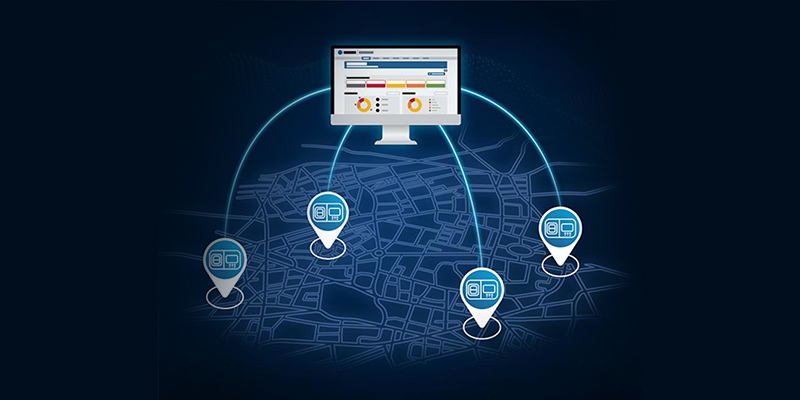
The Veeder-Root Device Management cloud application on The Hub provides a consolidated, actionable view of your ATG network. Real-time data helps optimize maintenance workflows and maximize site uptime to keep fuel flowing and your customers smiling.
- Enhanced Alarm Management - View, prioritize, and act on alarms and warnings across your entire ATG network.
- Equipment Health Monitoring - Track equipment health and detect potential failure conditions before they disrupt operations.
- ATG Device Management - Perform remote software upgrades and backups, and track configuration changes in real time to protect your assets.
- Inventory Management - See historical delivery quantities and monitor tank inventory across your network to help manage fuel deliveries more quickly and efficiently.
- Compliance - Review ATG test history and compliance records to quickly see whether sites passed or failed during the regulatory period.
Additionally, real-time data via ATG Data API can integrate ATG data with other back-office applications, including ATG Alarms, Inventory, and Deliveries.
THE PLUS VIEW App
THE PLUS VIEW is a mobile app for Android and Apple iOS that connects you directly to ATG data no matter where you are. Managers and owners can easily monitor their fuel site inventory and alarms while they are off-site. With the dynamic IP feature, users can securely connect to ATGs remotely without incurring the additional cost of a static IP address.
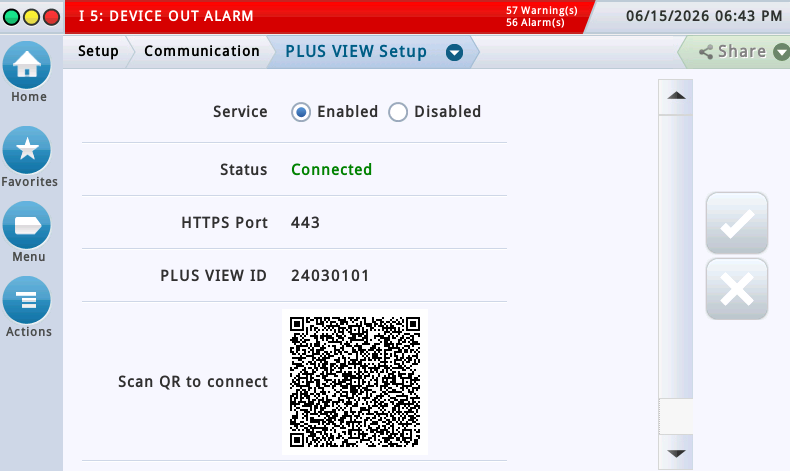
- QR Code links THE PLUS VIEW App to the ATG through a simple on screen QR code scan. Watch how easy it is to connect!
- In order for the QR-code connection to work, the ATG must be configured to use the default HTTPS port; port 443
- Dynamic IP support removes the need for costly static IP services and complex network setups
- Secure app to ATG connection expands remote monitoring access at no additional cost
- Simplified networking reduces technician effort and speeds of deployment
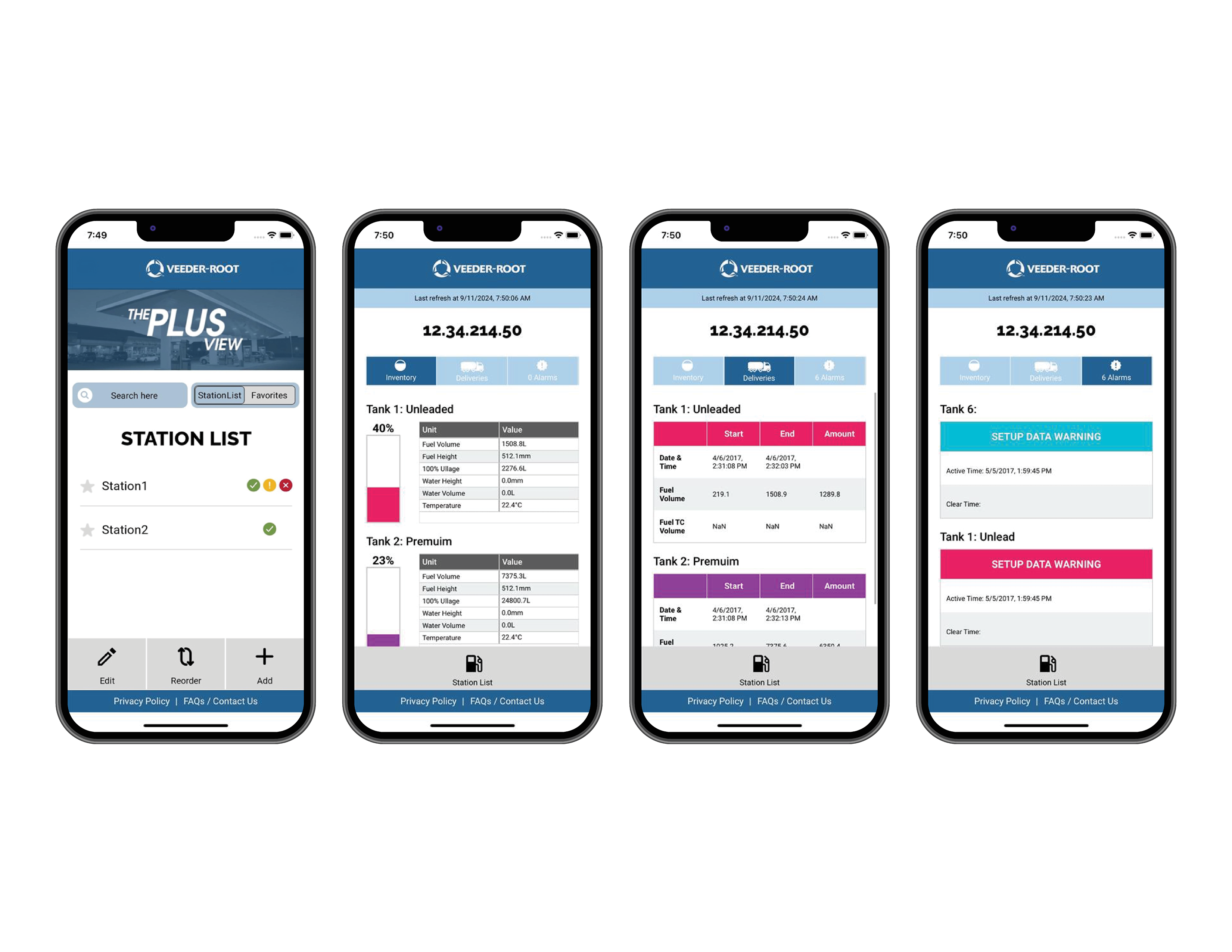
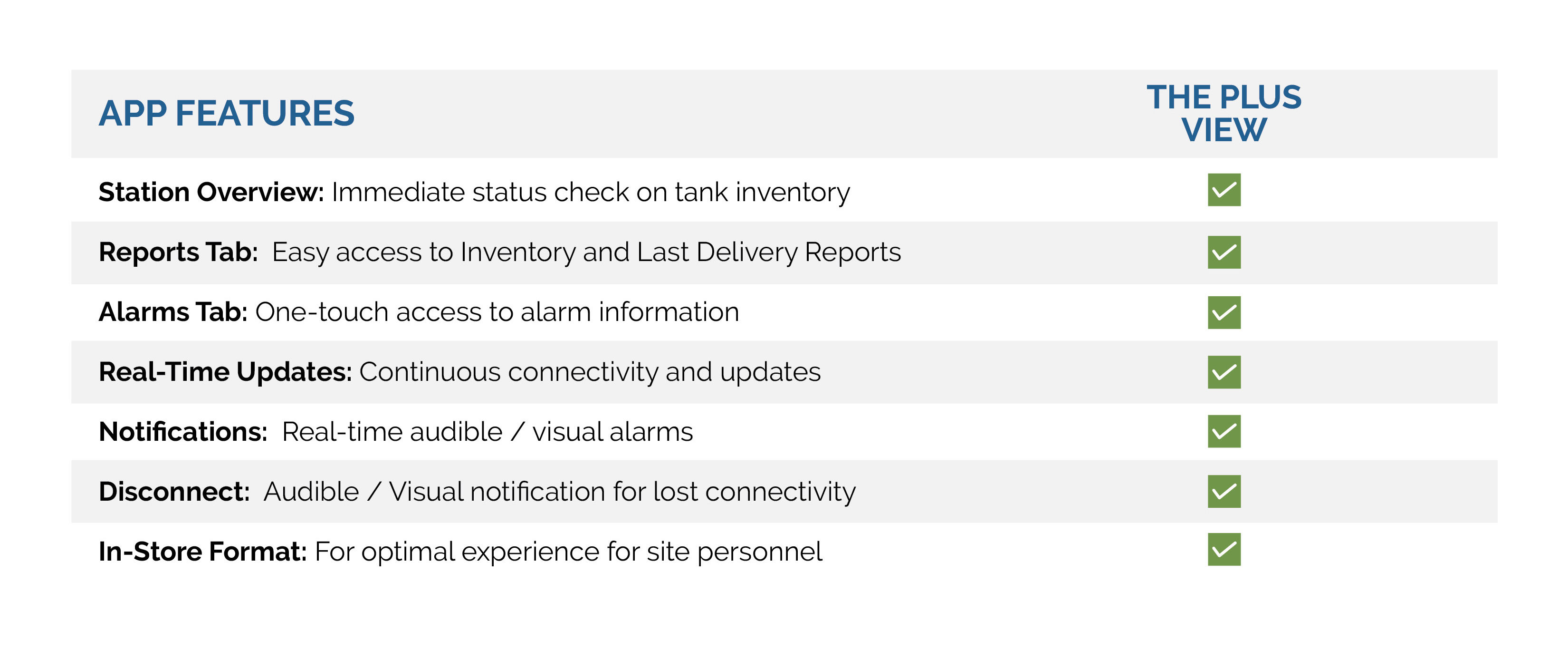
- The station overview provides an immediate status check on tank inventory
- Access inventory and last delivery quickly through the Reports tab
- View active alarms at the site instantly through the Alarms tab
- Pin favorite sites for easy access in the Station List
- Request a fuel delivery or email a technician for support in the app to optimize workflows
A Quick Check of Site Status
THE PLUS VIEW is a real-time feed for remote on-site displays or more remote mobile applications, with last refresh date and time stamps to confirm the live connection to your TLS-450PLUS and TLS4 Series Automatic Tank Gauges:
- Volume
- Ullage
- Water Height
- Fuel Height
The PLUS VIEW is a mobile application for phones and devices running Android or Apple iOS operating software.


The Information Needed for Remote Access
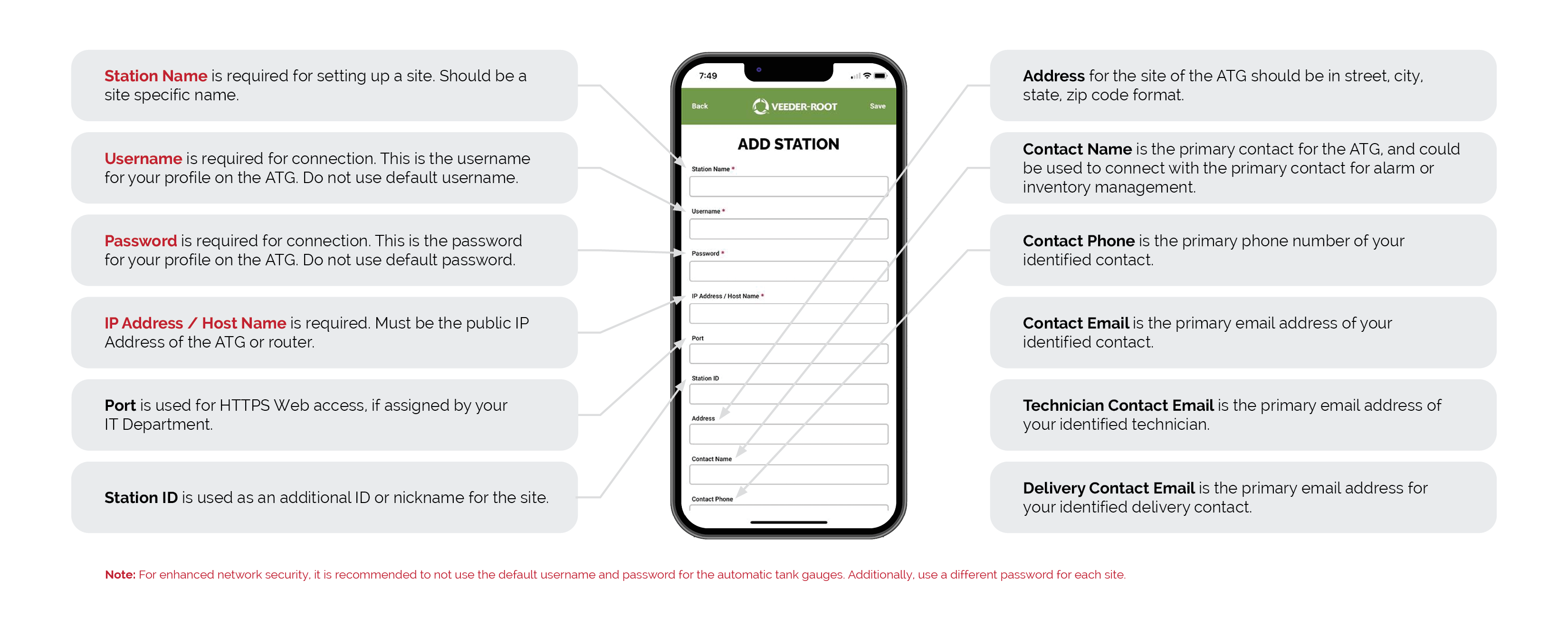
Once you have downloaded THE PLUS VIEW app on Google Play or from the App Store, enter your station information for the required fields outlined below. There is also additional information that is optional but recommended for an optimal user experience.
System Requirements for THE PLUS VIEW App
Application Requirements:
Android: Download THE PLUS VIEW
Any device that can access the Google Play store can download THE PLUS VIEW application. The Android application will work on connected devices supported by Google and will run on Android API level 8.0 and later. The application is available on the Google Play store.
Apple iOS: Download THE PLUS VIEW
Any iOS / iPad device on iOS 13.0 or later will work with the THE PLUS VIEW application. The application is available on the Apple App store.
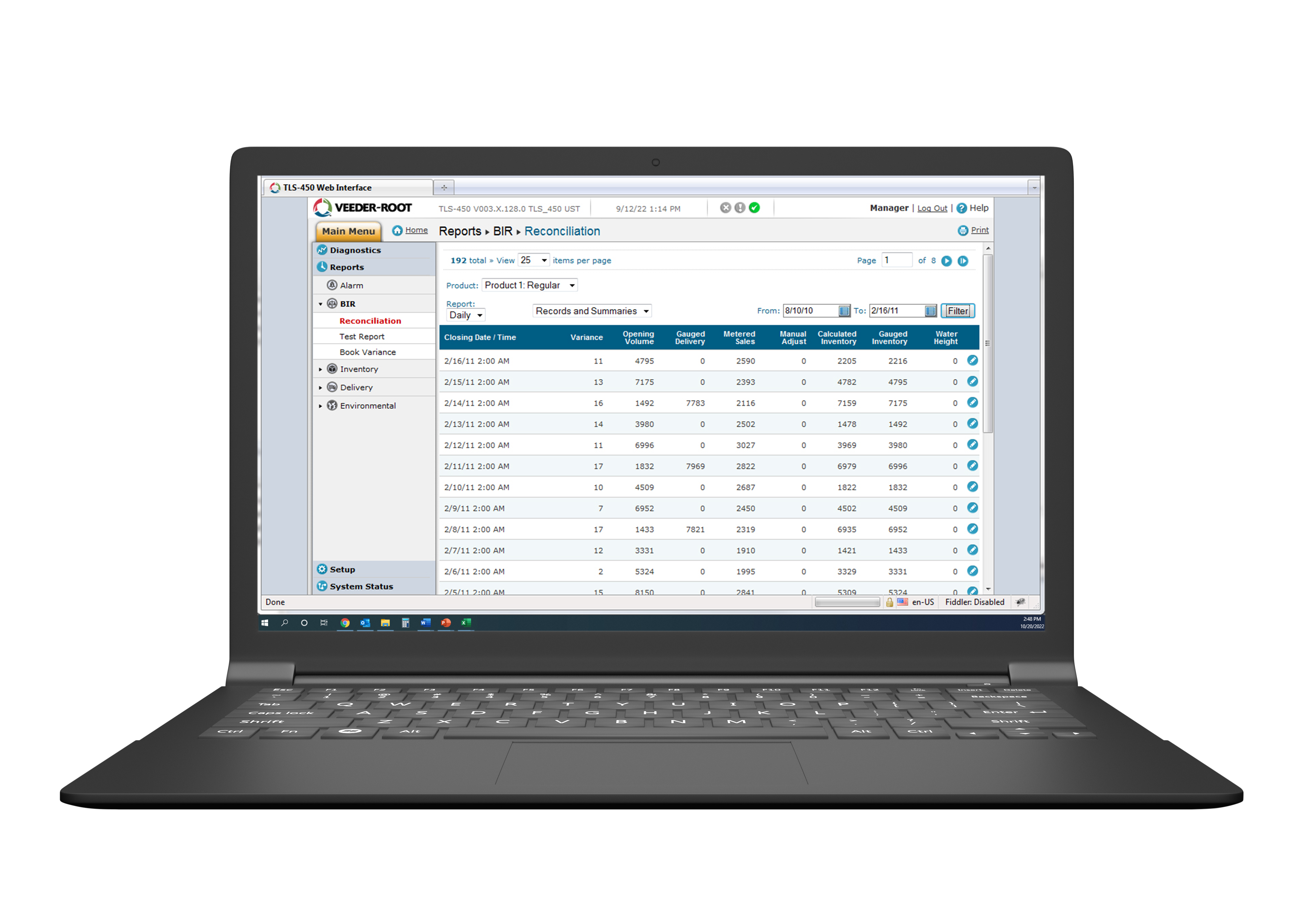
Web-Enabled Interface
Gain remote access to your ATGs from any device, anywhere, as if you were standing in front of the ATG with the web-enabled interface; standard on every TLS-450PLUS and TLS4 Series ATG. View all active alarms, inventory data, deliveries, access and change configuration, and view compliance reports.
To access the web-enabled interface you need web access enabled on your tank gauge, the IP address for the device, and active login credentials.
ATG Remote Wireless Connectivity with OptConnect
Veeder-Root and OptConnect have partnered to provide TLS-450PLUS and TLS4 Series Automatic Tank Gauge (ATG) customers with cellular connectivity to manage and monitor their fuel management systems remotely. This is perfect for sites paying a local internet provider for a static IP address. OptConnect provides a secure, reliable, and monitored wireless connection to the internet in locations where wired connectivity is unavailable or inconvenient. It’s easy, low-risk, and convenient.
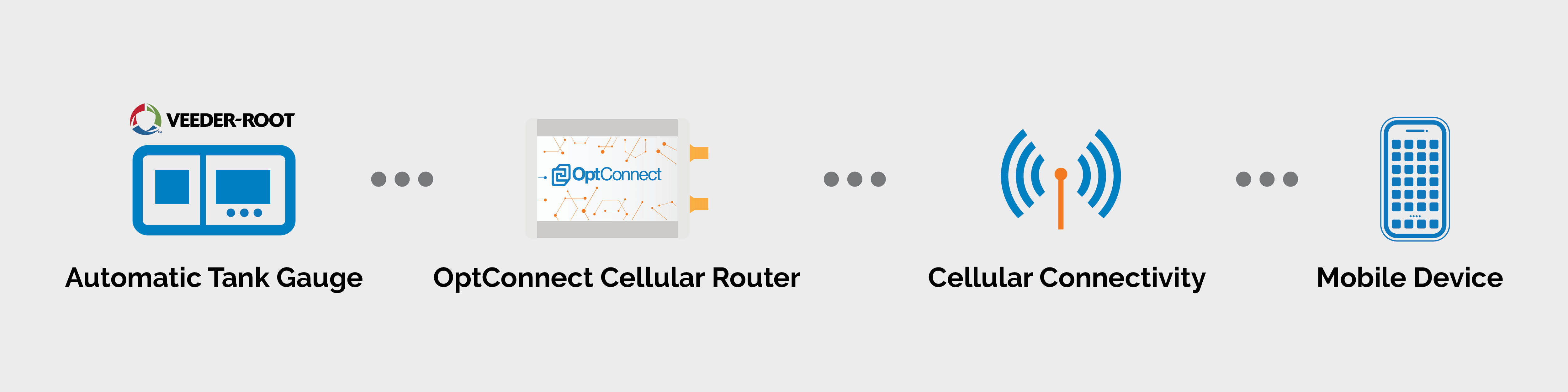
OptConnect Features
- Security - OptConnect has built a secure, direct Point-to-Point tunnel for Veeder-Root equipment. All OptConnect devices are deployed with this configuration and will be plug-n-play on arrival.
- Ease of Installation - Installation is as simple as connecting the OptConnect cellular router to power, fastening the antennas, and then connecting to the Veeder-Root ATG fuel monitoring system*. Operation behind a customer’s firewall is not required.
- Connection Dependability - OptConnect cellular routers are designed to constantly monitor their cellular connection. If it is discovered that the cellular connection has been lost, the routers have self-healing logic that will take steps to regain that connection, which includes rebooting itself.
- Portfolio Management - OptConnect cellular routers continually send status information to Summit, our free portfolio management system. Summit provides a portfolio view of details such as device location, signal strength, check-in history, and the ability to reboot the router.
OptConnect neo2 Cellular Router
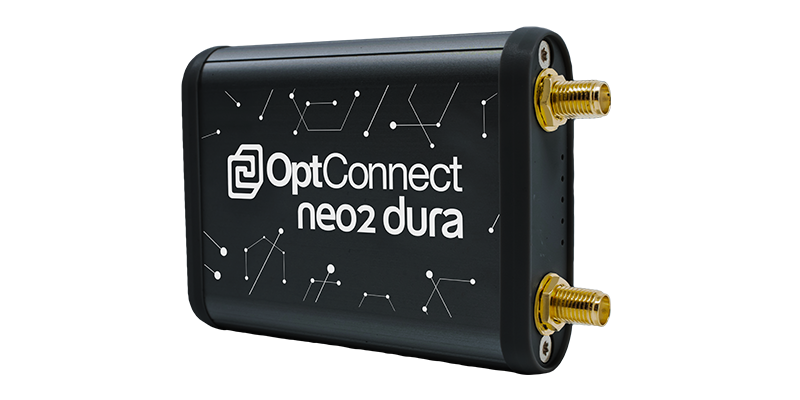
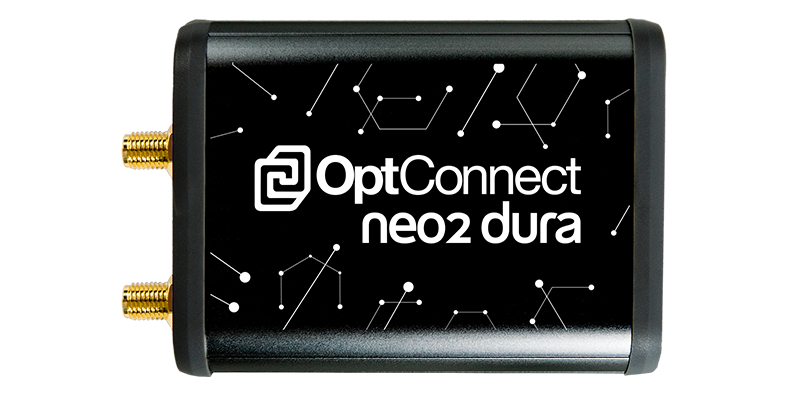
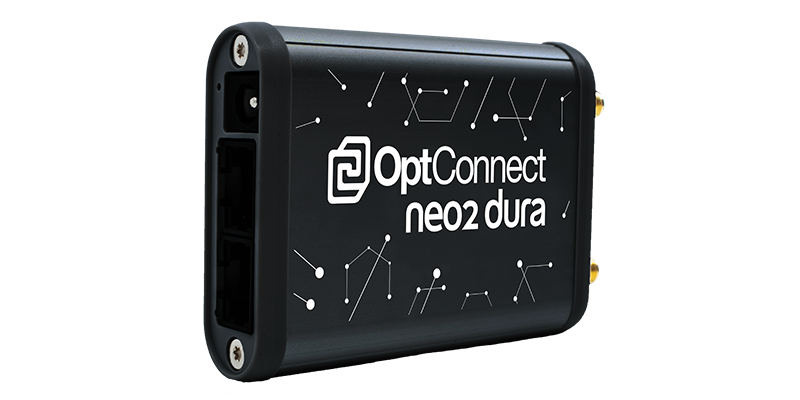
OptConnect neo2 is a full-featured cellular router ideal for applications requiring dependable, dual-carrier high speed cellular connectivity. Its compact design allows it to fit almost anywhere, and carries with it OptConnect's completely managed wireless solutions package – including 24x7 live support and free access to OptConnect’s device management portal, Summit. OptConnect's fully managed solution makes for a true headache-free experience.